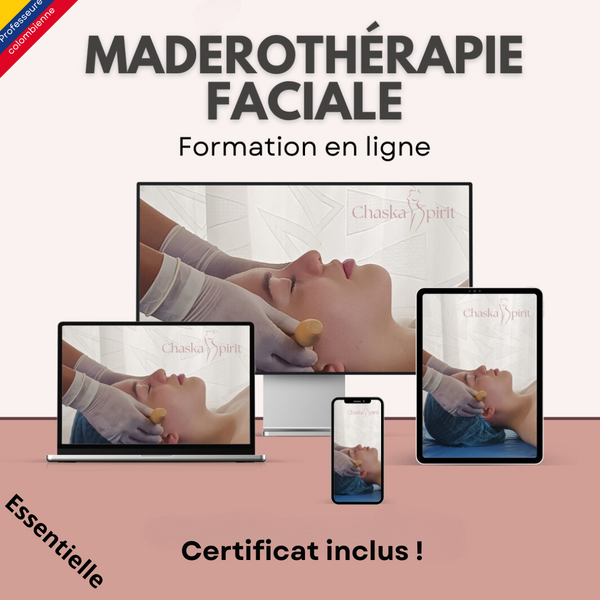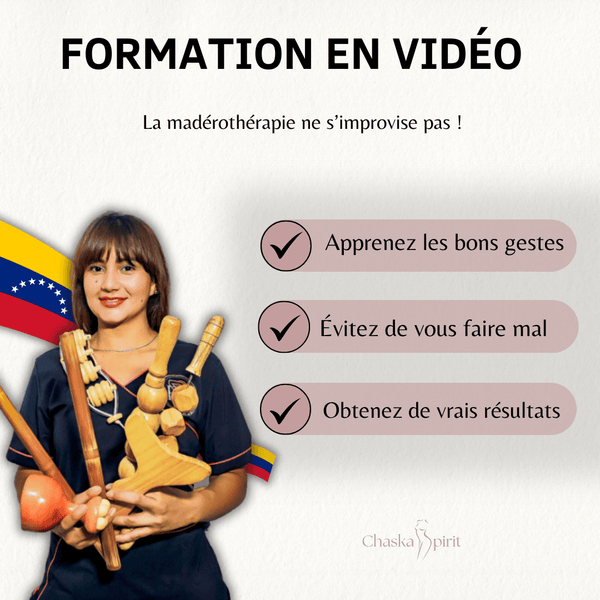
Join the 3,000 customers who have trusted Chaska Spirit.
Item added to your cart
[count] items added to your cart
Cart was successfully updated
Your cart is currently empty
Search our store
Popular Searches
PayPal Pay Later Messaging
Step 1: Choose message placement
Click the button below and then hover over your page to select a placement.
Step 2: Paste and save
You have copied the placement for the Product Page.
Go back to the App Embeds section, and in the Paypal Advanced Settings, paste the copied value into the
Product Page field and click the 'Save' button in the top right corner.